AI GIF Maker Now Supports OpenAI GPT Image 2.6 (Flare & Sunburst)
Generate looping animated GIFs directly with OpenAI GPT Image 2.6 Flare and Sunburst on AI GIF Maker. Explore viral X demo prompts, model comparisons, and per-GIF credit pricing.
 AI GIF Maker Team
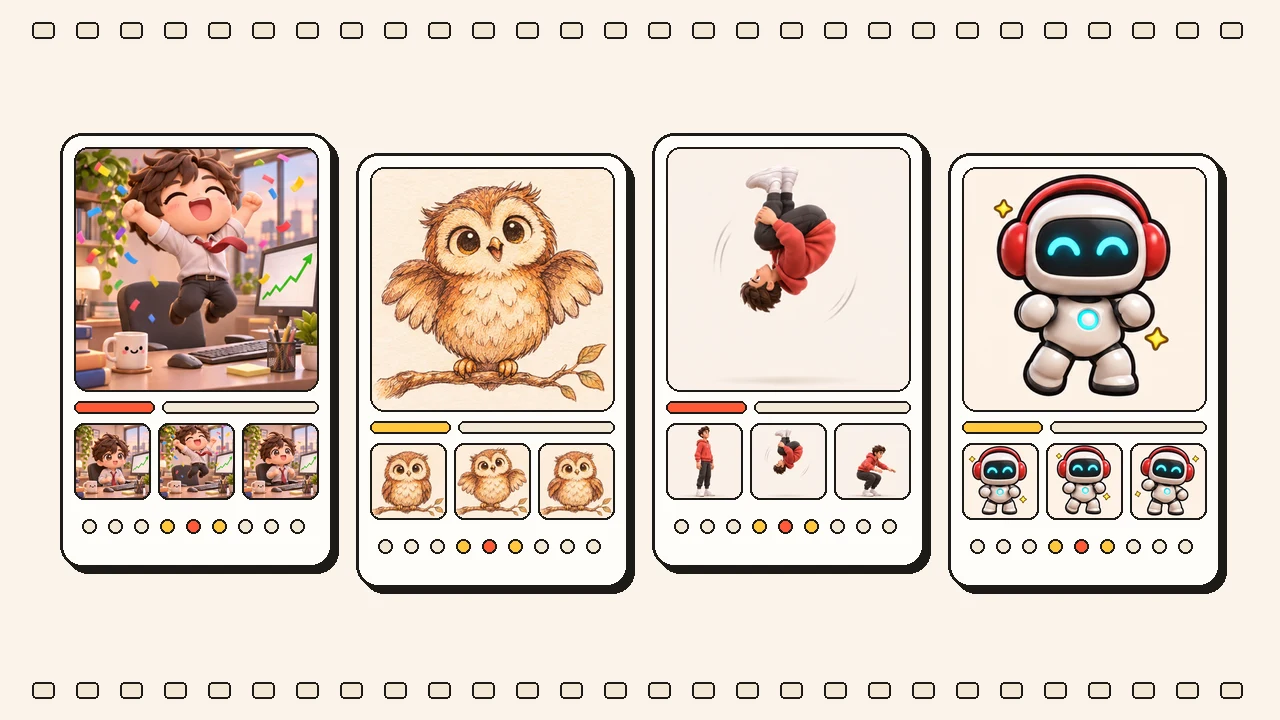
OpenAI just introduced Images 2.6 across ChatGPT, Codex, and the API — bringing native animated GIF generation and 50% faster rendering through two new models: GPT Image 2.6 Flare and GPT Image 2.6 Sunburst.
Starting today, AI GIF Maker (aigifmaker.app) supports both GPT Image 2.6 Flare and GPT Image 2.6 Sunburst across all three workflows in the browser studio: Text to GIF, Image to GIF, and Video to GIF.
Viral GPT Image 2.6 GIF Demos Trending on X
Within hours of OpenAI’s announcement, creators, prompt engineers, and developers on X began testing how GPT Image 2.6 handles multi-frame character consistency, hand-drawn sketch animation, and full-body motion loops.
We recreated four of the most shared Images 2.6 / Codex demo concepts so you can inspect the loops and run any prompt directly in the AI GIF Maker Studio:
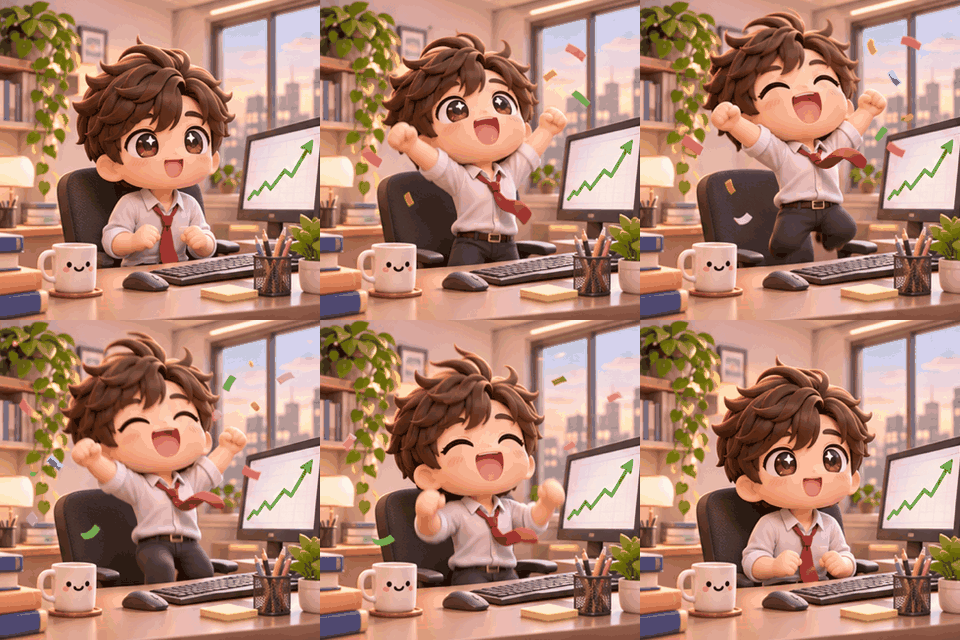
- Chibi Stock-Market Celebration (OpenArt × OpenAI Demo)
“3D kawaii chibi office worker cheering at a soaring green stock chart and tossing confetti”
Try this prompt in Studio →
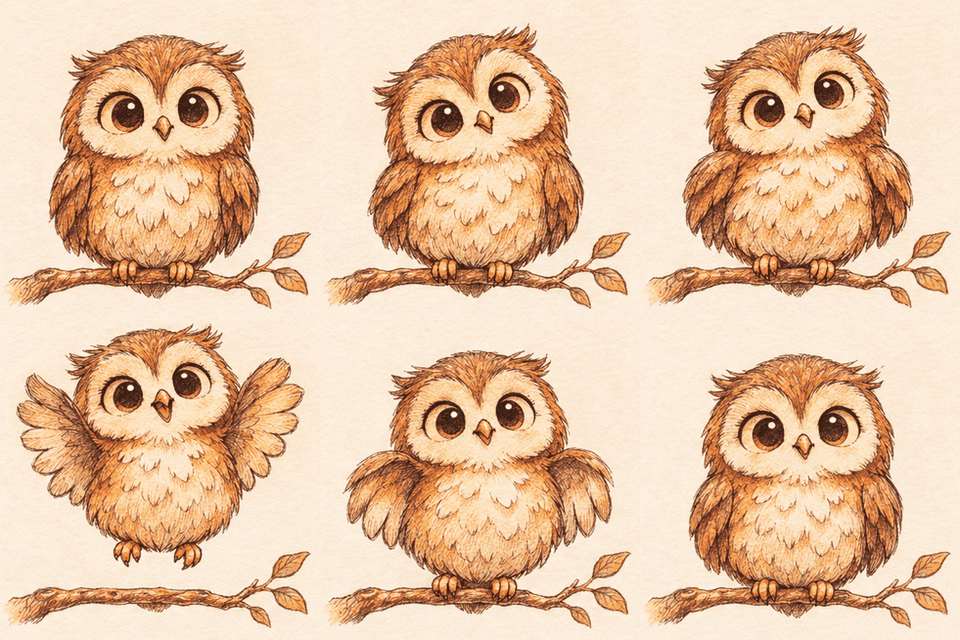
- Hand-Drawn Owl Sketch Brought to Life
“Hand-drawn ink owl sketch on cream paper coming to life, blinking big eyes and flapping its wings”
Try this prompt in Studio →
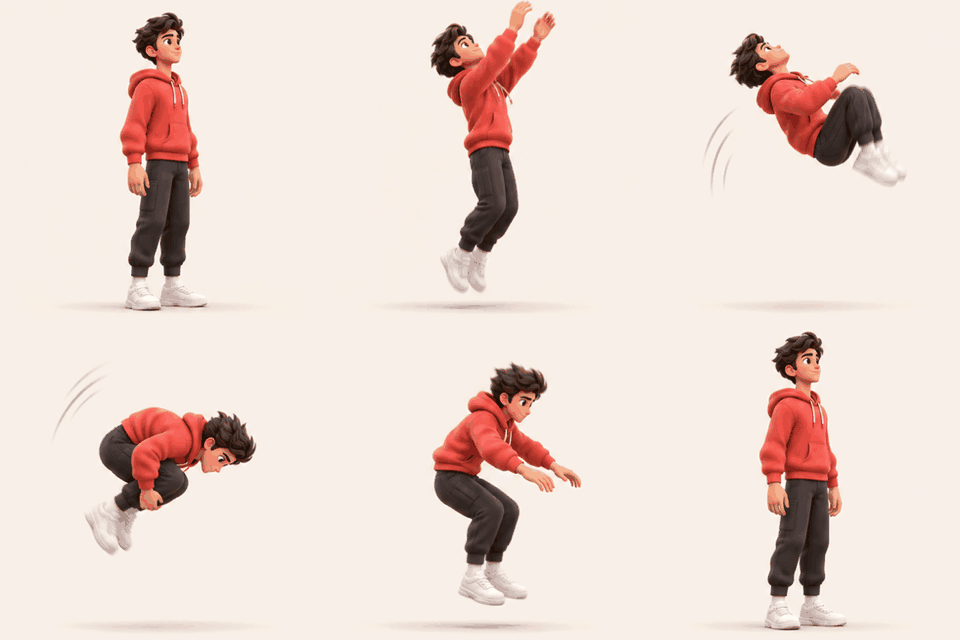
- Standing Backflip Physics Test
“Stylized 3D character in a red hoodie doing a smooth standing backflip and sticking the landing”
Try this prompt in Studio →
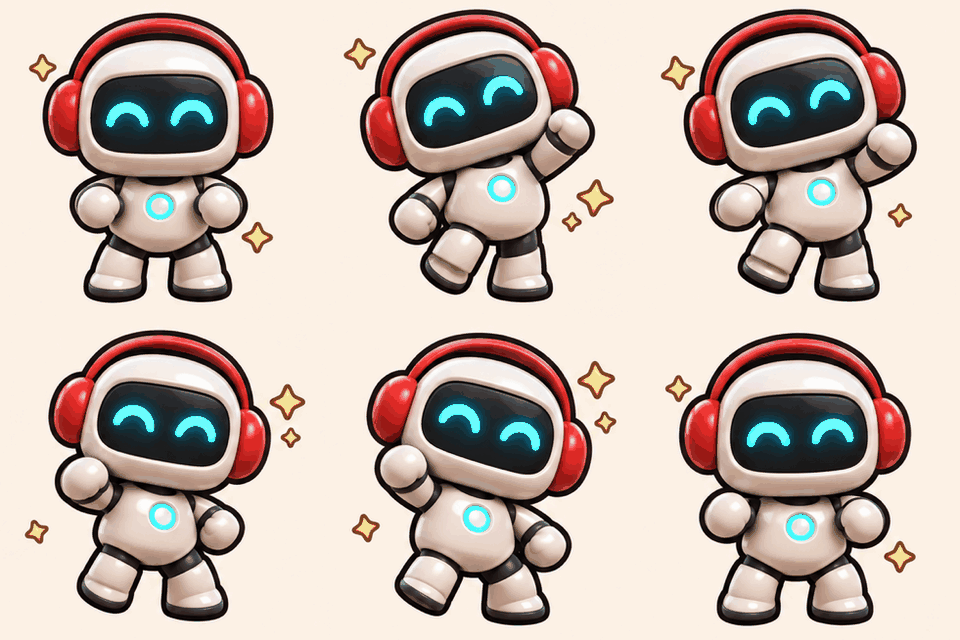
- Brand Mascot Victory Dance Loop
“Cute 3D robot mascot in headphones doing a happy victory dance with glowing eyes and sparkles”
Try this prompt in Studio →
GPT Image 2.6 Flare vs. GPT Image 2.6 Sunburst
When you generate a GIF on AI GIF Maker, you can switch freely between the two GPT Image 2.6 models depending on what you are building:
| Model | Strengths | Best Use Cases |
|---|---|---|
| GPT Image 2.6 Flare | Speed-tuned architecture (~50% faster turnaround), crisp layout control, snappy motion | Discord / Slack / WhatsApp reaction stickers, quick meme iterations, UI micro-animations |
| GPT Image 2.6 Sunburst | Detail-tuned architecture, stronger frame-to-frame character identity and outfit consistency | 3D chibi characters, brand mascots, photo-to-GIF pet animations, product spin loops |
Both models output a 9-frame seamless loop at 115 ms per frame (around 1.0–1.2 seconds per cycle), supporting Square (1:1), Wide (16:9), and Tall (9:16) aspect ratios.
Three Ways to Make GIFs with GPT Image 2.6
- Text to GIF — Type a short prompt describing your character, the micro-action, and the visual style (e.g., “3D kawaii toy style”, “16-bit pixel art”, or “die-cut sticker with white border”).
- Image to GIF — Upload a portrait, pet photo, product shot, or hand-drawn notebook sketch. Our vision pipeline analyzes the subject’s exact colors, proportions, and lighting before animating the motion with GPT Image 2.6.
- Video to GIF — Drop a short MP4, MOV, or WebM clip. AI GIF Maker extracts keyframe references from your video and re-renders a stylized, seamlessly looping animation.
Transparent Credit Pricing (No Subscription)
Both GPT Image 2.6 Flare and GPT Image 2.6 Sunburst share the same per-GIF credit rate based on your chosen resolution quality tier:
| Resolution Tier | Quality Mode | Frame Dimensions (1:1 / 16:9 / 9:16) | Credits per GIF | Approx. Starter Cost |
|---|---|---|---|---|
| 1K (Fast) | low | 512×512 / 640×360 / 360×640 | 11 credits | ~$0.11 / GIF |
| 2K (Balanced) | medium | 512×512 / 640×360 / 360×640 | 19 credits | ~$0.19 / GIF |
| 4K (High Detail) | high | 768×768 / 960×540 / 540×960 | 38 credits | ~$0.38 / GIF |
Credits are available in one-time packs starting at $9 for 900 credits (up to 81 GIFs at 1K), never expire, and are automatically refunded if an upstream generation task ever fails. See full details on the Pricing & Credits page.
4 Prompting Tips for Better GPT Image 2.6 Loops
After testing dozens of prompts from OpenAI’s launch showcase and community experiments on X, four patterns consistently produce the cleanest loops:
- Lock the camera and background: Add phrases like "fixed front three-quarter camera, plain cream background" so only the subject moves while the scene stays anchored.
- Write micro-actions in order: Instead of a vague verb, list 3–4 sequential beats: "notices chart rising → eyes widen with joy → jumps up cheering → tosses confetti".
- Close the loop explicitly: Mention how the motion returns to frame 1 (e.g., "lands back in the starting pose" or "settles back onto the branch").
- Name a clear visual medium: Styles like "polished kawaii chibi 3D toy render", "hand-drawn ink and watercolor sketch", or "flat vector sticker with thick outline" keep edges sharp across every frame.
Ready to try it yourself? Head over to the AI GIF Maker Studio, pick GPT Image 2.6 Sunburst or Flare, and turn your first prompt or photo into a looping GIF.