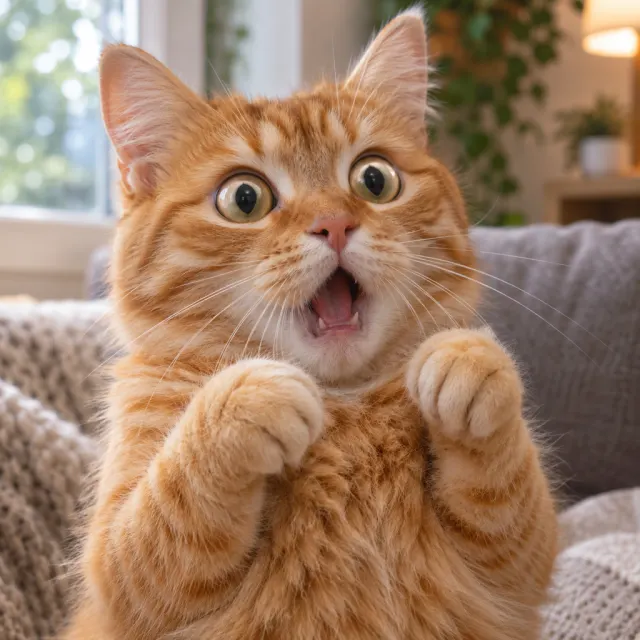
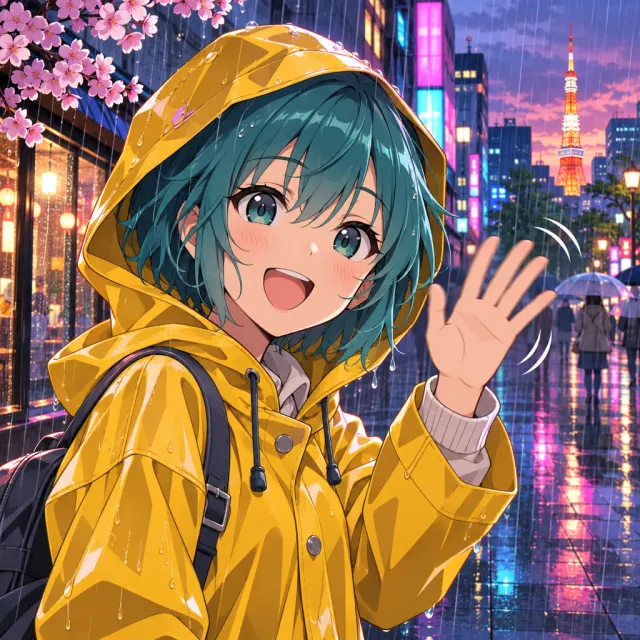
What is an AI GIF maker?
An AI GIF maker creates animated GIFs from a text prompt, a photo or a video clip. Instead of drawing frames or editing a timeline yourself, you describe the motion and the AI generates the frames and loops them into a GIF.
Is an AI GIF maker the same as an AI GIF generator?
Yes. People use both names for the same kind of tool. AI GIF Maker covers what both searches look for: text to GIF, photo to GIF and video to GIF in one place.
How do I turn a photo into a GIF with AI?
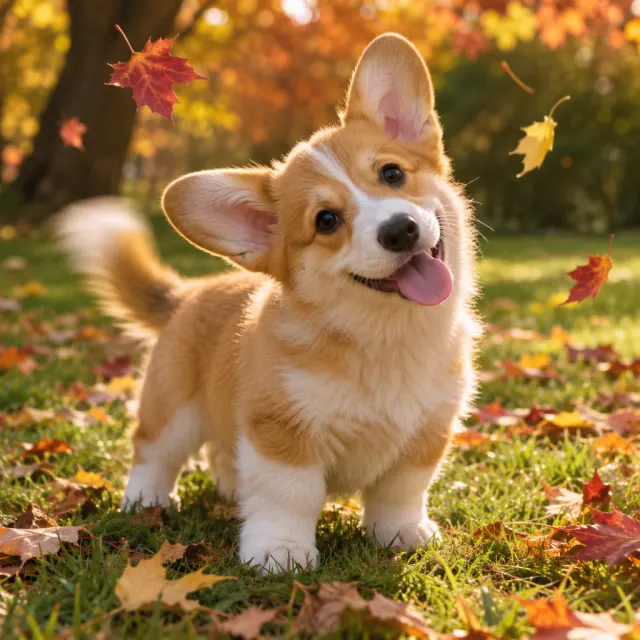
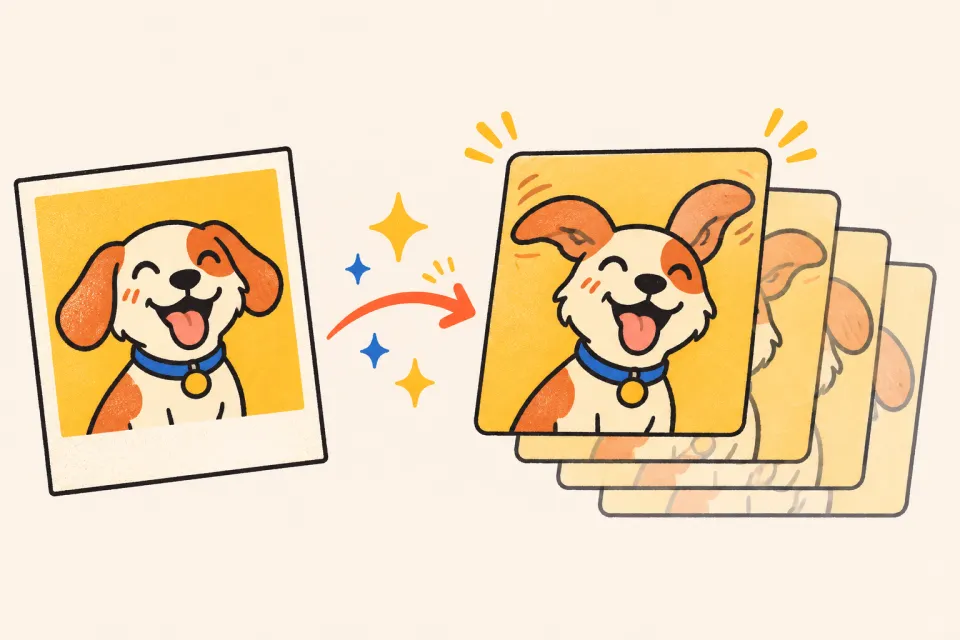
Choose Image to GIF, upload a clear photo and describe the movement you want, such as “the dog tilts its head and wags its tail”. Then pick a shape and generate.
Can I make a GIF from text only?
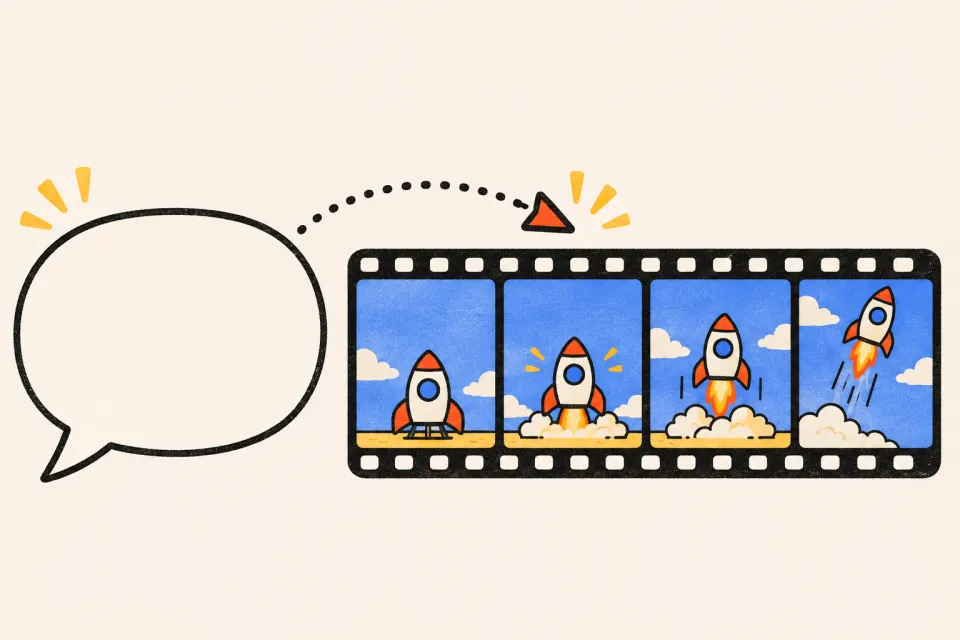
Yes. Text to GIF mode only needs a prompt. Mention the subject, the action and a style, for example “pixel-art campfire crackling at night”, and the AI creates the GIF from scratch.
Can I convert a video into a GIF?
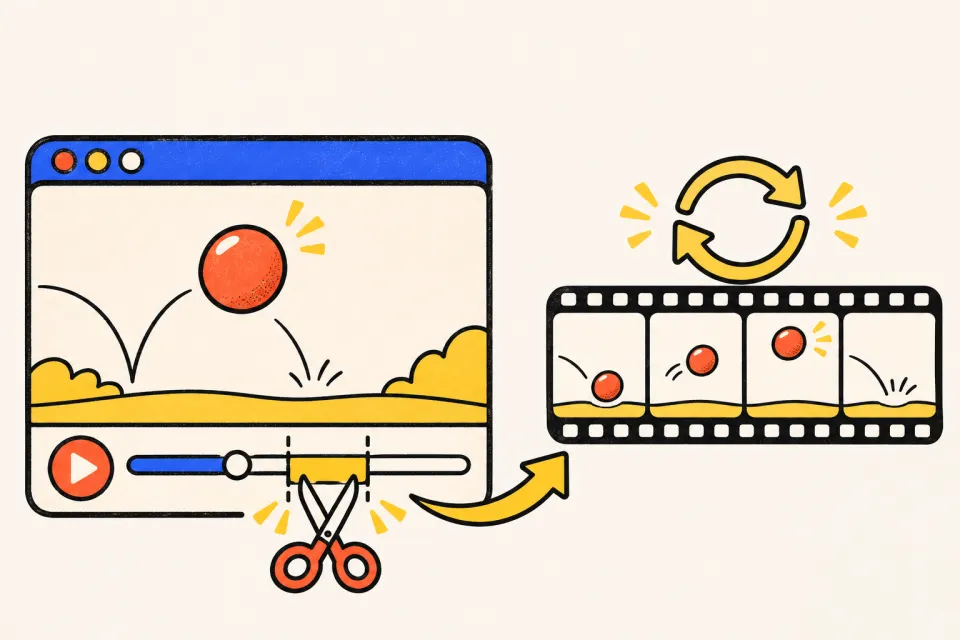
Yes. Use Video to GIF, upload a short clip and describe the moment to keep. Short clips with one clear action work best.
What makes a good prompt for an animated GIF?
Keep it to one subject and one motion, name a visual style, and say what should stay still. “Thumbs-up sticker bouncing, flat style, white background” works better than a long scene description.
Do I need to install an app or know animation?
No. AI GIF Maker works in the browser on desktop and mobile, and you don't need animation or editing skills. A prompt, a photo or a clip is enough.
Where can I use the GIFs I make?
Anywhere GIFs are supported: Discord, Slack, WhatsApp, Telegram, iMessage, X, Reddit, email newsletters, slide decks and docs. Pick a square shape for chat and stickers, wide for posts and slides, and tall for stories.